De'Longhi Coffee Machine Not Pumping Water? The Ultimate Descale Light Fix Guide
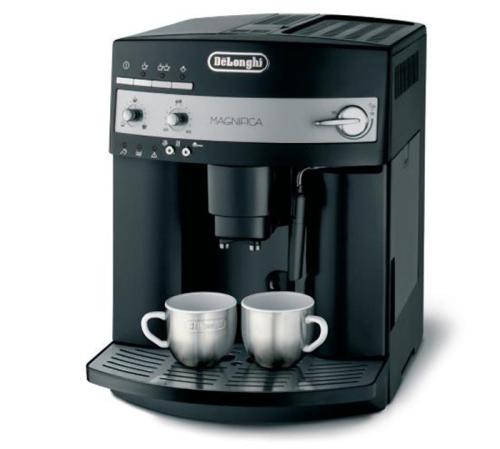
Introduction: When a De'Longhi bean-to-cup coffee machine won't draw water or the descale light keeps flashing, many users are at a loss. This article provides an in-depth look at pump troubleshooting and water outlet unclogging techniques, plus the full official descaling procedure, including key parameters such as water volume control and button timing. It also adds daily maintenance tips to help you efficiently solve common problems and extend the machine's lifespan.
When a De'Longhi bean-to-cup coffee machine fails to draw water, first check that the water tank is properly installed—you should hear a clear click as it locks into place. If the machine screen shows an error code, consult the corresponding message in the manual first. A common cause is air entering the pump or a blocked filter; try removing the tank and switching the power on and off repeatedly to expel air bubbles. If extraction still fails after filling with water, 90% of cases are due to a blocked coffee powder outlet needle or portafilter filter screen; use a dedicated cleaning needle the thickness of a toothpick (insert at a 45-degree angle) to clear it.
As for the descale light flashing continuously, in most cases the machine has detected that cleaning is needed. The officially recommended descaling method is: add the supplied descaler to half a tank of water (about 500ml) (follow the manual strictly for the ratio), press and hold the descale button until all indicator lights flash, then open the steam valve. Place the drip tray 10cm directly below the steam outlet and wait for the program to finish automatically. Note that in areas with hard water, the alarm may trigger again due to water quality even right after cleaning.
The complete deep descaling process for De'Longhi coffee machines includes 7 key steps:
1. Make sure the machine is in standby mode (power indicator light steady on)
2. Prepare a dedicated measuring cup and measure 500ml drinking water (non-distilled water should also be filtered)
3. Pour half a tank of cleaning solution, then press and hold the descale button for 5 seconds until the indicator lights change
4. Release the button when the brew/steam/coffee lights flash in sync
5. Position the collection container under the water outlet at the bottom of the steam wand and keep the knob open until the lights change to alternating flashes
6. Close all valves, switch to clean water, and repeat rinsing until the low-water protection activates
7. The machine switches off automatically, completing the full descaling cycle
Special note: commercial machines used more than 30 times a month should undergo a simple rinse every two weeks (run the steam function with clean water only). For daily maintenance, remove the outlet needle and clean it with a soft brush every week, and check the pump filter every quarter. If the above methods don't work, the mainboard water level sensor may be faulty, and you'll need to contact official after-sales service to replace the part (usually free within the warranty period).